For couples planning it themselves
The seating chart that solves itself.
Drag a guest onto a table and the count updates. Tell it which two relatives cannot sit together and it turns that table red before anyone sees it. When the chart is done, hand the list to your sign maker in their format, or print the whole set yourself.
Free to build: every guest, every table, auto-arrange, no account. You pay $49 once, only when you want to print it or send the list to your sign maker. It unlocks the moment you pay.
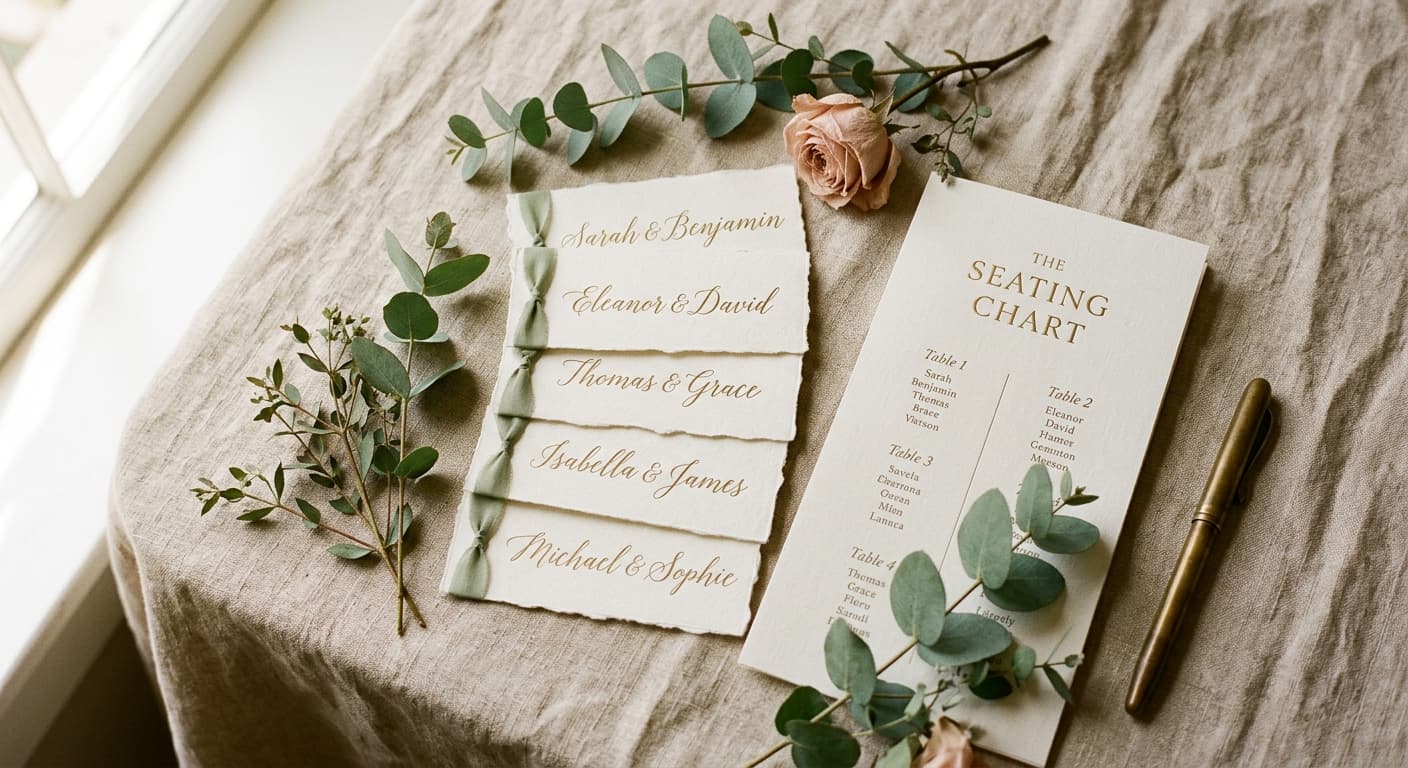
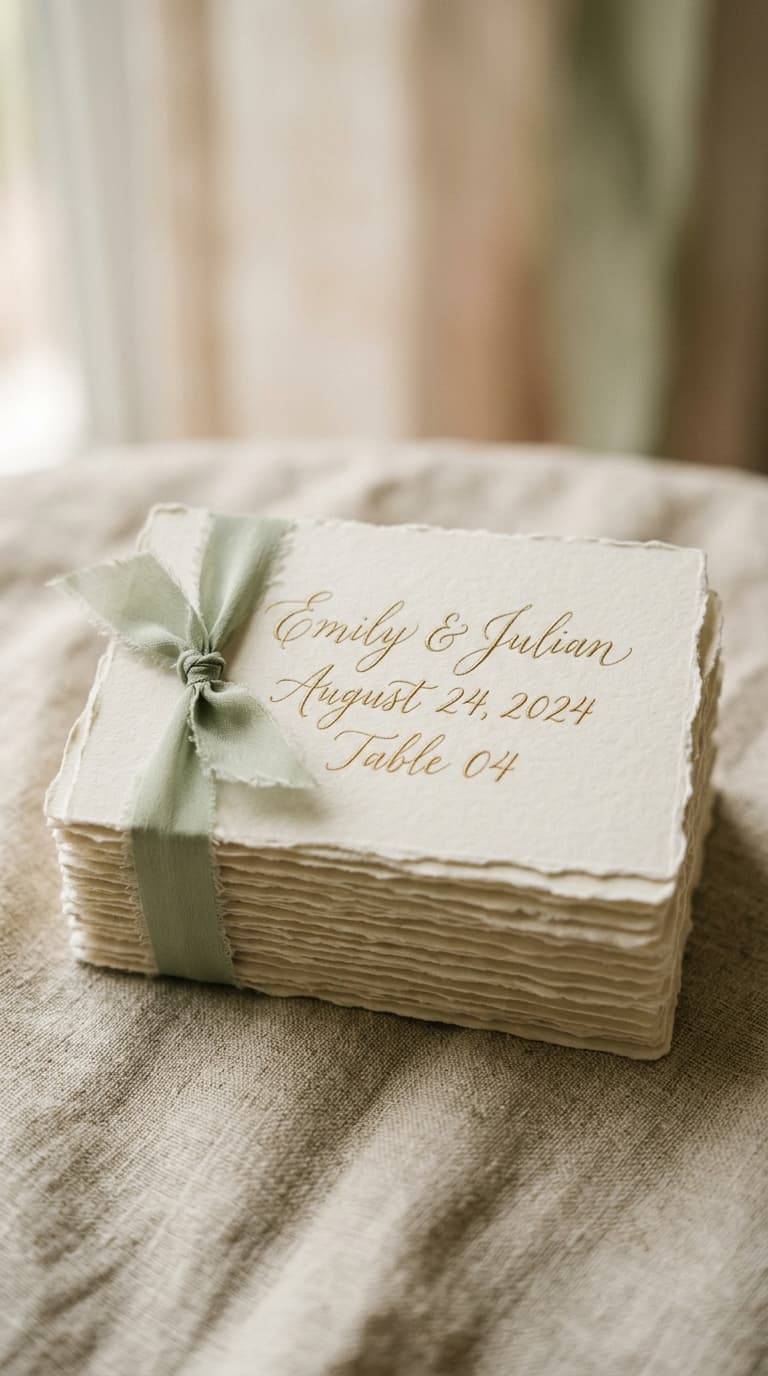
What it actually looks like
Drop a guest on a table. The count moves.
Set a rule once and the board watches it for you. Below, Rosa and Joan are not allowed to share a table, so the table turns red the moment they do.
Rosa Alvarez and Joan Whitfield are both at Table 2, and they are set to stay apart.
Open the real thing with a sample wedding and move someone yourself. It costs nothing to try.
You have three options right now.
The seating apps
$12 to $15 every month, for a job that lasts 6 weeks.
The free planners
Capped at 15 guests, and your list feeds their vendor ads.
A spreadsheet
Breaks every time an RSVP changes, and cannot print a floor plan.
None of them are good, which is the entire reason this exists.
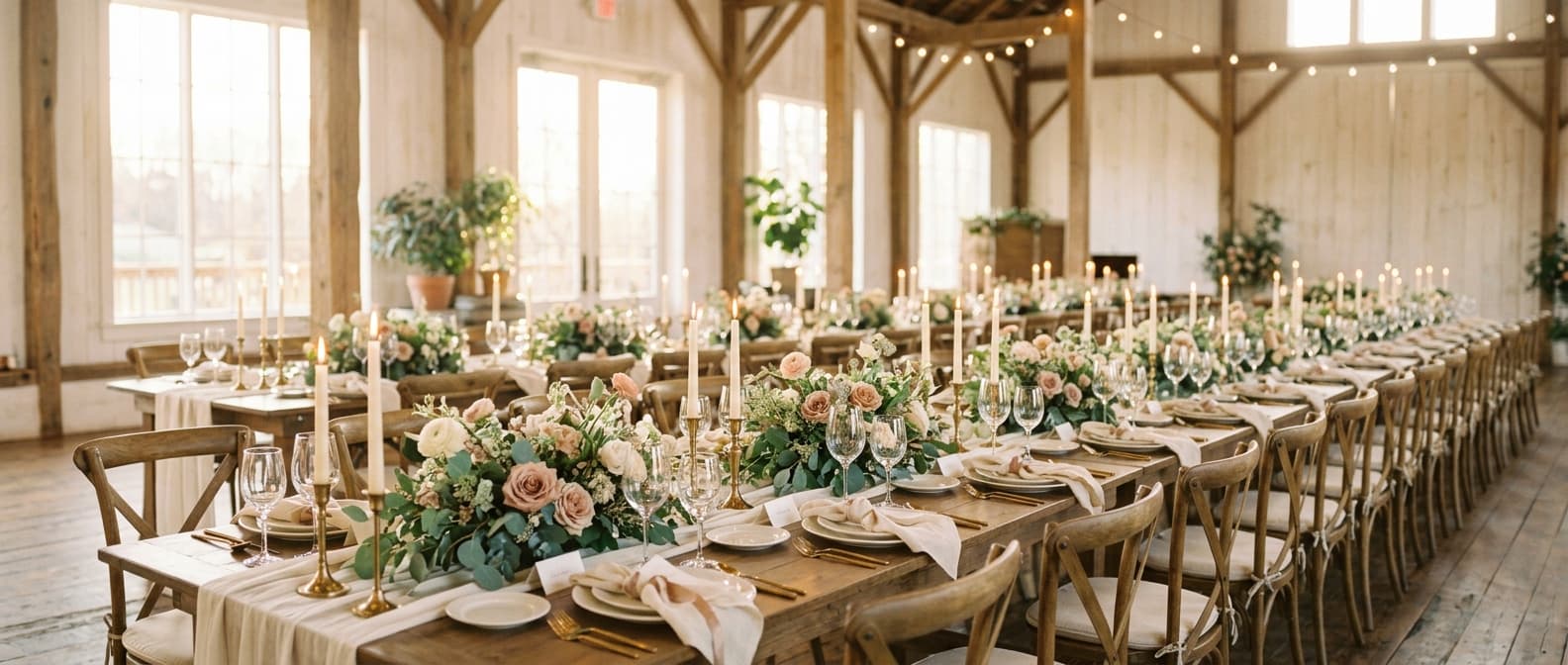
Every name at every seat, decided in one evening.
What you get
Four tools that share one guest list.
Change something in one and it shows up in the others. Nobody types a name twice.
Seating chart
Drag guests, or press one button and let it seat all of them.
Households move as a unit. Keep-apart rules are enforced while it arranges, not after. Every table shows its count and its meal tally, so the caterer gets real numbers.
Day-of timeline
Change the ceremony time and every row after it moves with you.
It works backward from the ceremony to tell you when hair and makeup has to start, and it pins your sunset photos to the actual sunset at your venue on your date.
Guest list
Paste 150 names at once and they are all in.
RSVPs, meal choices, households, and who still has not replied. The seating chart reads from this, so you never type a name twice.
Budget
Estimated, actual, paid, and what you still owe.
It works out your cost per guest and flags anything due in the next 30 days. Arithmetic you would otherwise redo by hand every month.
Getting it out
Most couples never print a thing.
They buy the sign from one seller and the place cards from another, and both ask for the list a particular way. Placecard hands it over in their format, or prints the whole set for you. Whichever way your wedding goes.
If you are printing it yourself
Print it at home.
Pick a card style, load the cardstock, and go. Everything comes out laid out and ready to cut.
- The floor plan, every table with its guests, for the venue and the caterer
- Find your seat, one alphabetical list for the welcome table
- Place cards, one per guest, in the style you choose
- Vendor timelines, a separate one for the photographer, the DJ, and each side of the wedding party
If someone else is making them
Send it to your vendor.
Your sign maker and your calligrapher each want the list a different way. These are already in their formats, so nobody retypes 150 names.
- Grouped by table, the way a seating chart sign is set
- Alphabetical by last name, the way place cards are written
- Tab separated, so it pastes straight into a spreadsheet
- A CSV with first name, last name, table, meal, and RSVP
Founding price
Placecard is new. There are no reviews yet, and the price reflects that. It goes to $79 once 100 weddings have been through it, and if you buy before then your copy stays yours at this price forever.
You do not have to decide now. Build the whole chart first and pay when you want it out of the screen.
What a founding couple gets
- The price locked at $49, including every tool added later
- A direct reply from the person who builds it, not a help desk
- Requests from founding couples get built first
- A refund within 30 days if it does not save you an afternoon
- Seating chart with keep-apart rules and auto-arrange
- Floor plan you drag into the shape of your room
- Day-of timeline that reflows, with sunset pinned to your venue
- Guest list with RSVPs, meals, and households
- Budget with cost per guest and what is due next
- Vendor formats: sign maker, place card maker, spreadsheet, and CSV
- Printables: floor plan, seat list, place cards, vendor timelines
- Every event, not just the wedding: rehearsal dinner, shower, engagement party, each with its own guest list
If it does not save you an afternoon, email us within 30 days and we refund it.
Wedding still a year out?
Leave your email and we will tell you before the founding price ends. No sequence, no drip, no wedding vendors buying your address.
One email about the price, and one when something you asked for gets built. Nothing else.
Your guest list stays in your browser.
Placecard saves your wedding to this device. There is no account to create, no password to forget, and no server holding 150 of your relatives' names and addresses. The free planning sites are free because your guest list is the product. This one is not.
Questions couples ask.
Can I try it before I pay?
Yes, and not a crippled version of it. Add every guest, build every table, and run auto-arrange without paying. The payment unlocks printing and exporting, so you decide after the tool has already done the work.
Do I need to create an account?
No. Open it and start typing. Your wedding saves to this browser, so use the same device and the same browser as you go.
My guest list is already in a spreadsheet.
Copy the name column and paste all of it into the guest list at once. Everyone lands in the tool in one action.
Does it work on my phone?
Yes. Dragging guests onto tables works with touch. Most couples do the big seating pass on a laptop and check things on a phone.
How does it know when sunset is?
Pick the closest city to your venue and it works out sunset for your wedding date, then pins the golden hour photo block to it.
Can my sign maker use the list?
That is what the vendor formats are for. Placecard exports the list grouped by table for a seating chart sign, alphabetical by last name for a calligrapher, and as a CSV, so nobody retypes 150 names.
Can I use it for the rehearsal dinner too?
Yes, and for the shower, the engagement party, and the anniversary in 5 years. Each event gets its own guest list, tables, and exports. Building your first event is free; the one payment covers every event after it.
Is this really one payment?
One payment of $49. There is no subscription and no renewal. Use it through the wedding and keep it after.
Your seating chart is going to take one evening, not six.
Start yours freeBuild the whole thing before you decide. $49 once when you export, 30 day refund.